Installing TrollStore (and Undertale) on iPhone
If you have an older iPhone lying around and you want to experiment with it, then TrollStore can help!
TrollStore is a sideloading application for iOS that doesn't require apps to be resigned. It lets you sideload any compatible .IPA file easily,
and the best part? You don't even have to jailbreak your phone!
You'll need:
1. An iPhone with an iOS version compatible with TrollStore
2. A reliable USB to Lightning cable
3. A Windows PC
For this step, grab Sideloadly from here,
iTunes from here, and
the TrollInstallerX IPA file from here.
You'll need a 64-bit Windows computer to install all of these.
1. Open the Sideloadly app you installed in Step 1. If you get a prompt to restart Sideloadly, restart it and then it should be working.
2. Plug your compatible iOS device into your computer. (make sure to use a good cable!)
3. Click on the IPA icon in Sideloadly and pick your TrollInstallerX IPA file from Step 1. (see images)
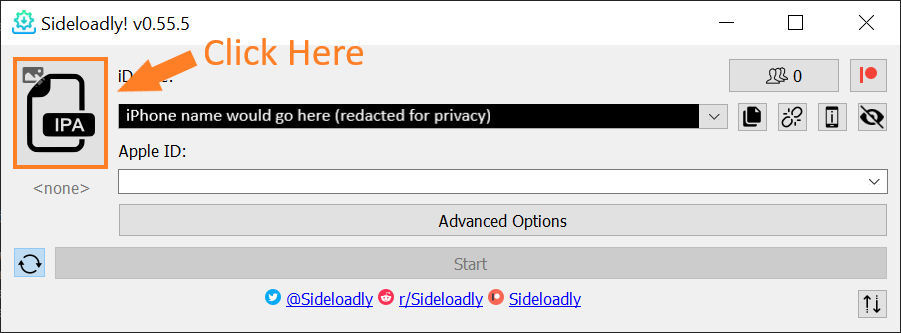
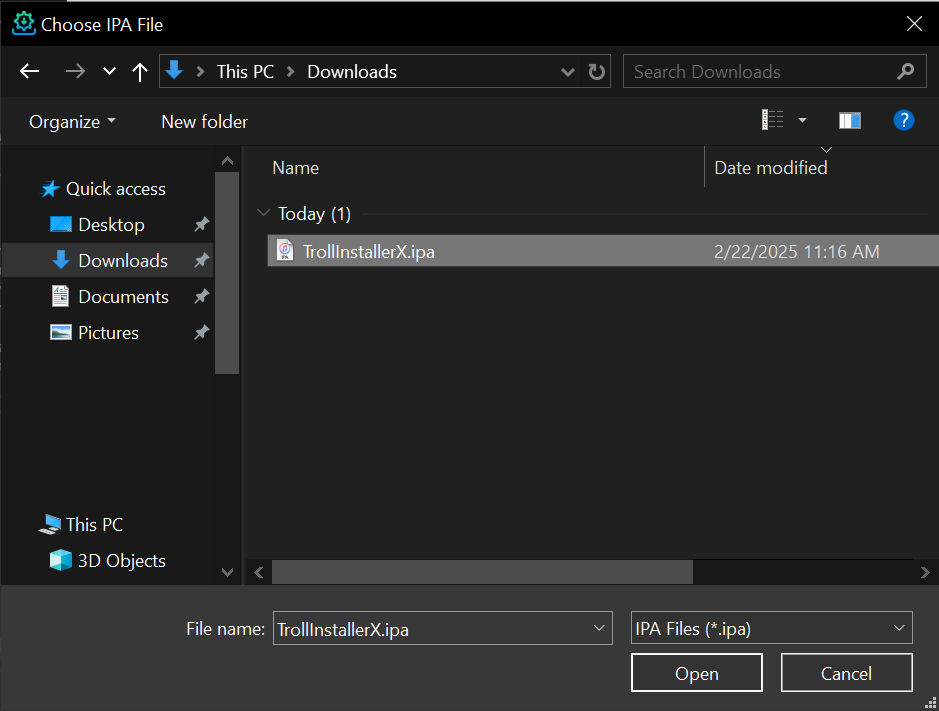
4. Put your Apple ID email address into the Apple ID box. Don't worry, it's safe!
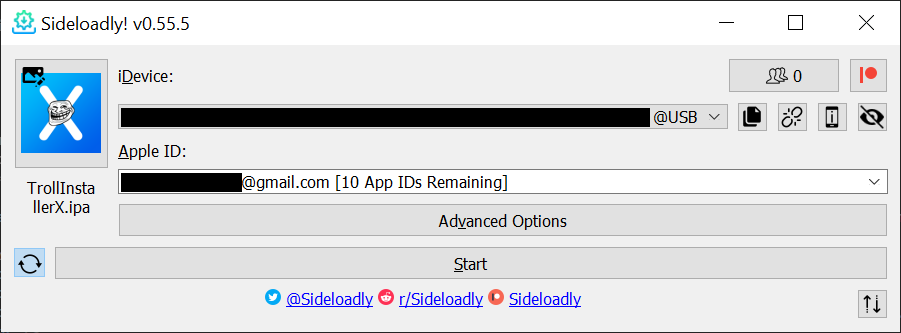
5. Turn off your antivirus and press Start. (The antivirus is necessary because Windows thinks TrollStore is a virus.)
IMPORTANT NOTES:
1. You HAVE to have iTunes installed (and open?) for this to work.
2. You have to unlock your iPhone and press Trust after plugging your phone in.
Sideloadly will do a lot of operations. If it asks for your Apple ID password, put it in (it's safe, only sent to Apple servers.)
After all of this, TrollInstallerX should be installed. Before you can open it, though, you have to go to Settings > General > VPN & Device Management > [your Apple ID here] > Trust "[apple ID here]" > Trust.
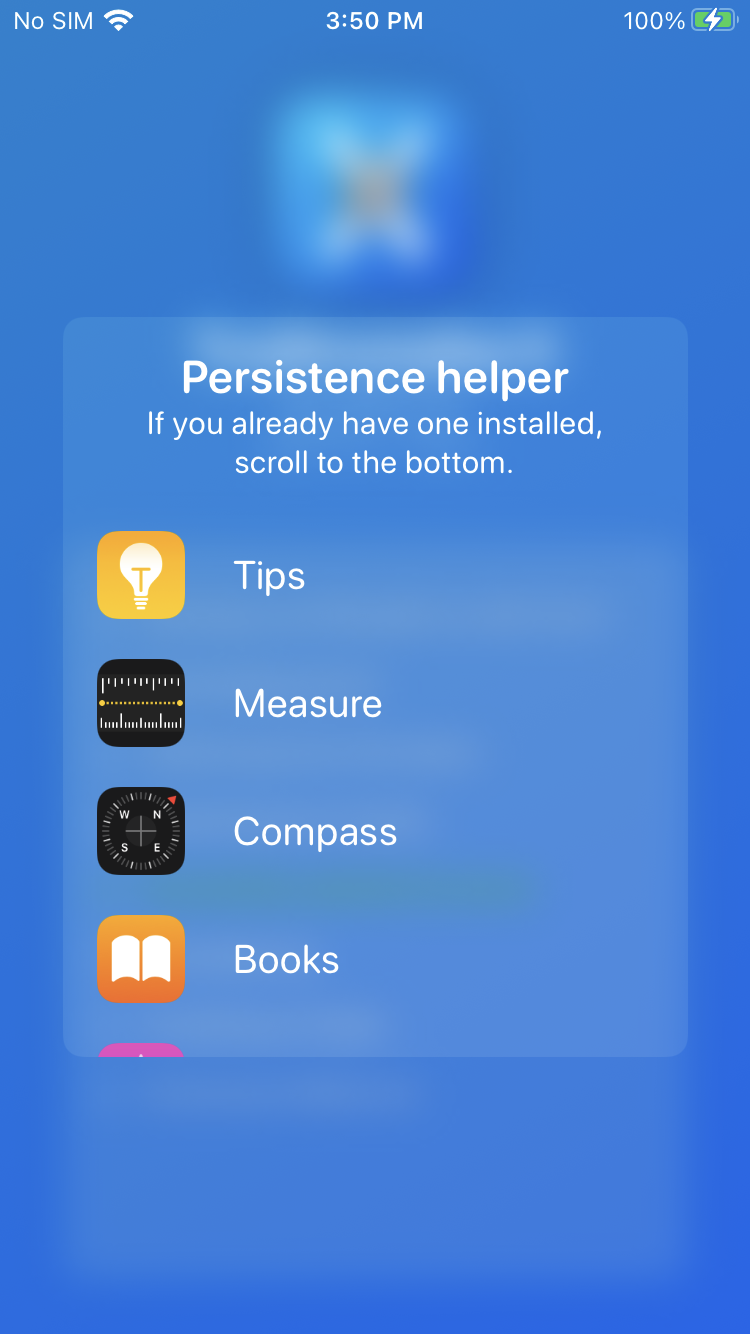
You should now be able to open the installer! Go ahead and press "Install TrollStore". When it asks for a Persistence helper, choose Tips.
NOTE THE APP WILL NOT BE USABLE AFTERWARD, so don't put any important apps.
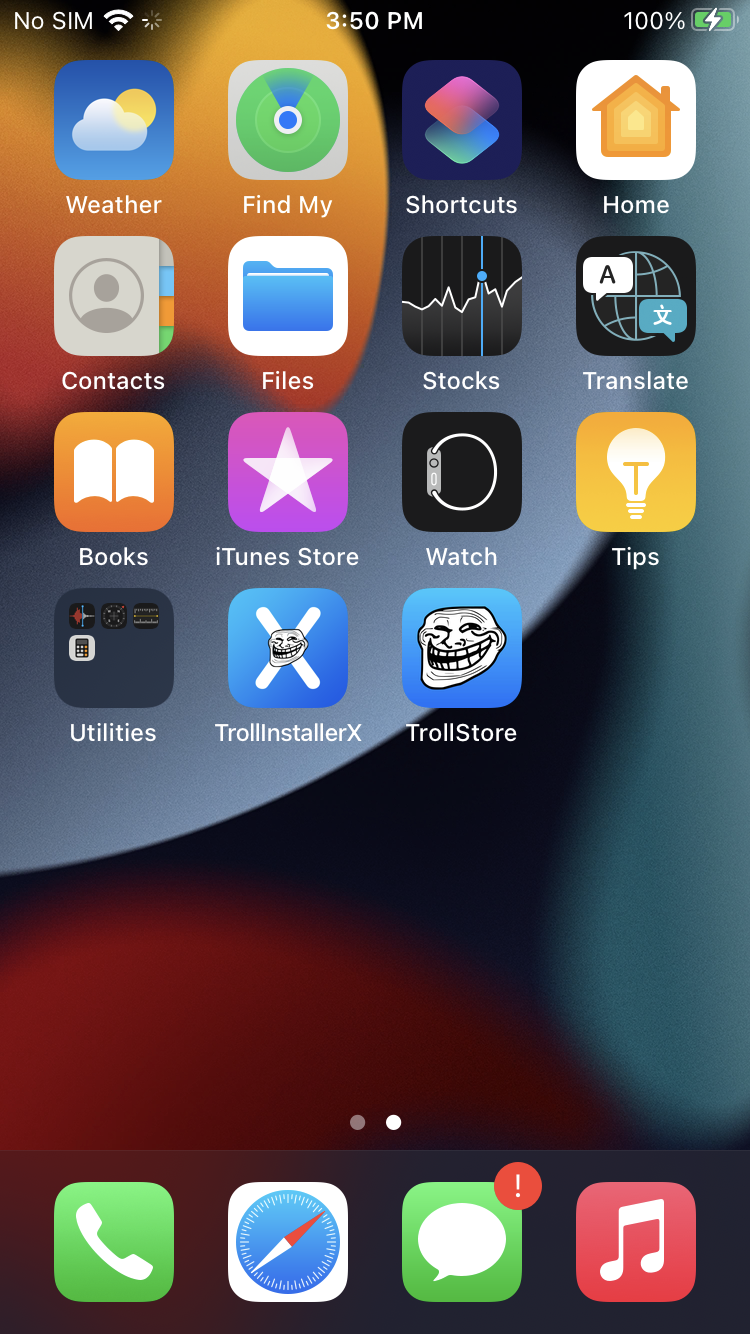
After that, it should automatically install TrollStore and put it on your Home Screen. Congratulations! TrollStore should now be installed.
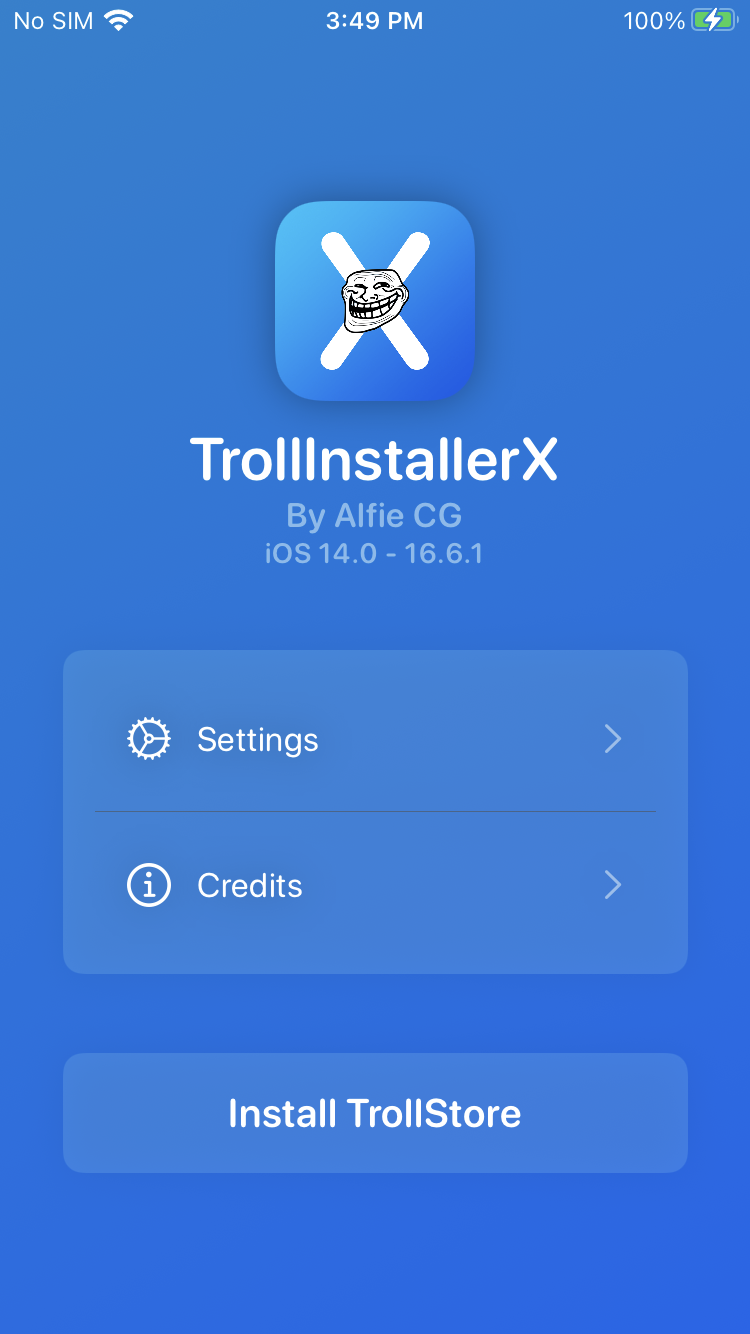
If you would like to install Undertale, the process is quite simple. First, you'll need an Undertale IPA file.
I don't think I'm allowed to put direct links here (but a google search for "Undertale IPA file" should get you there ;).
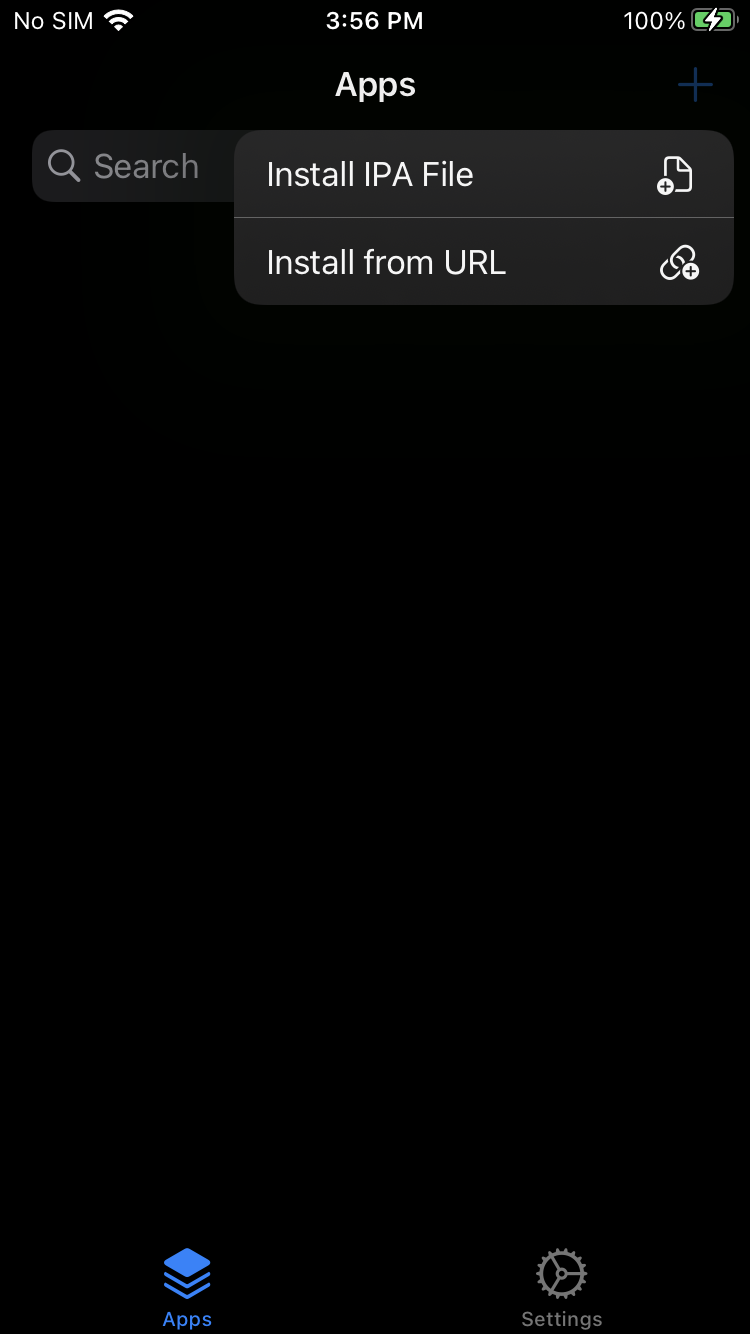
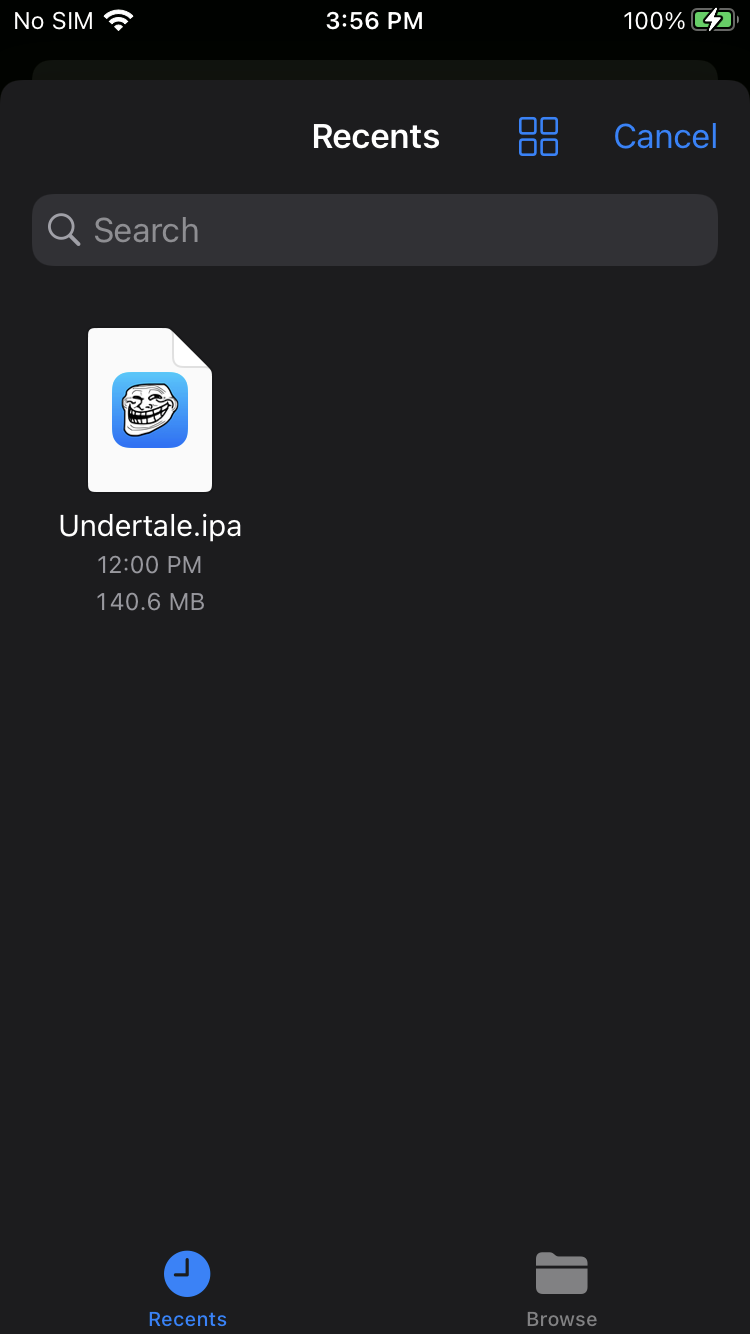
After the IPA finishes, go into TrollStore and follow steps in the images.
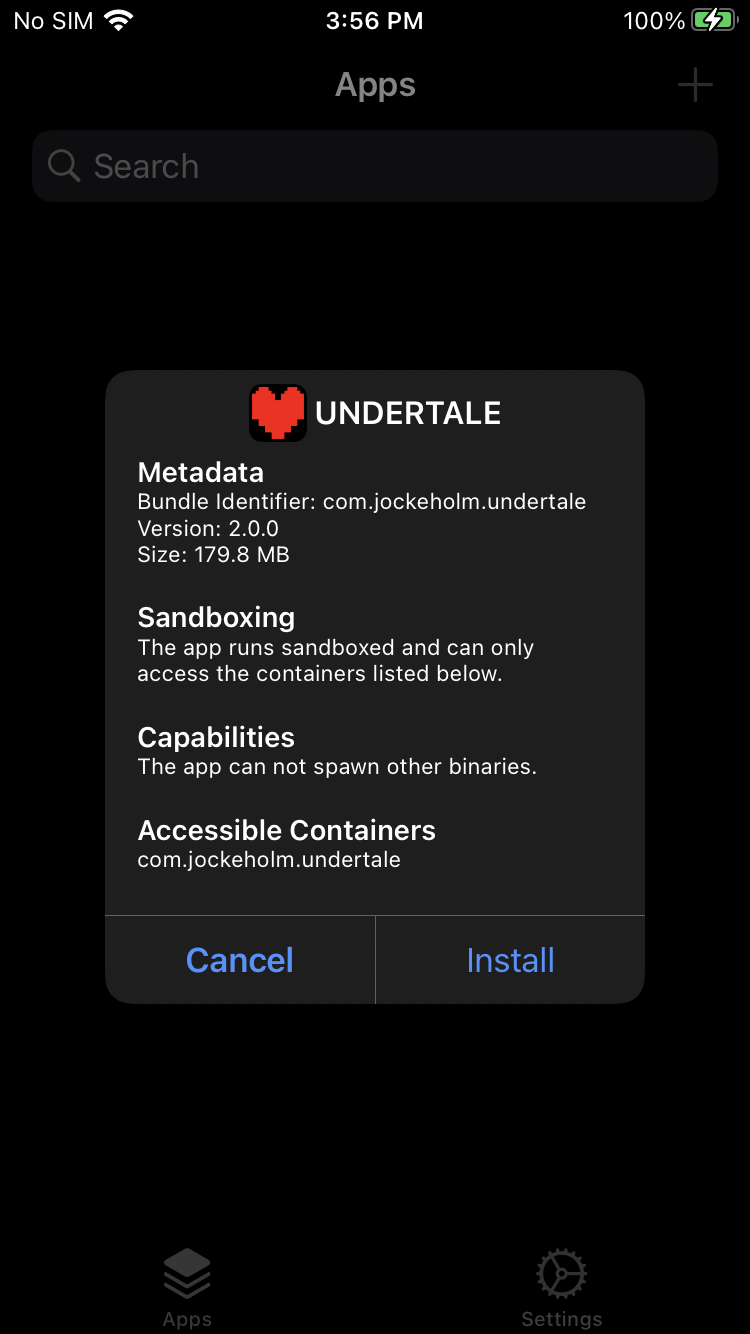
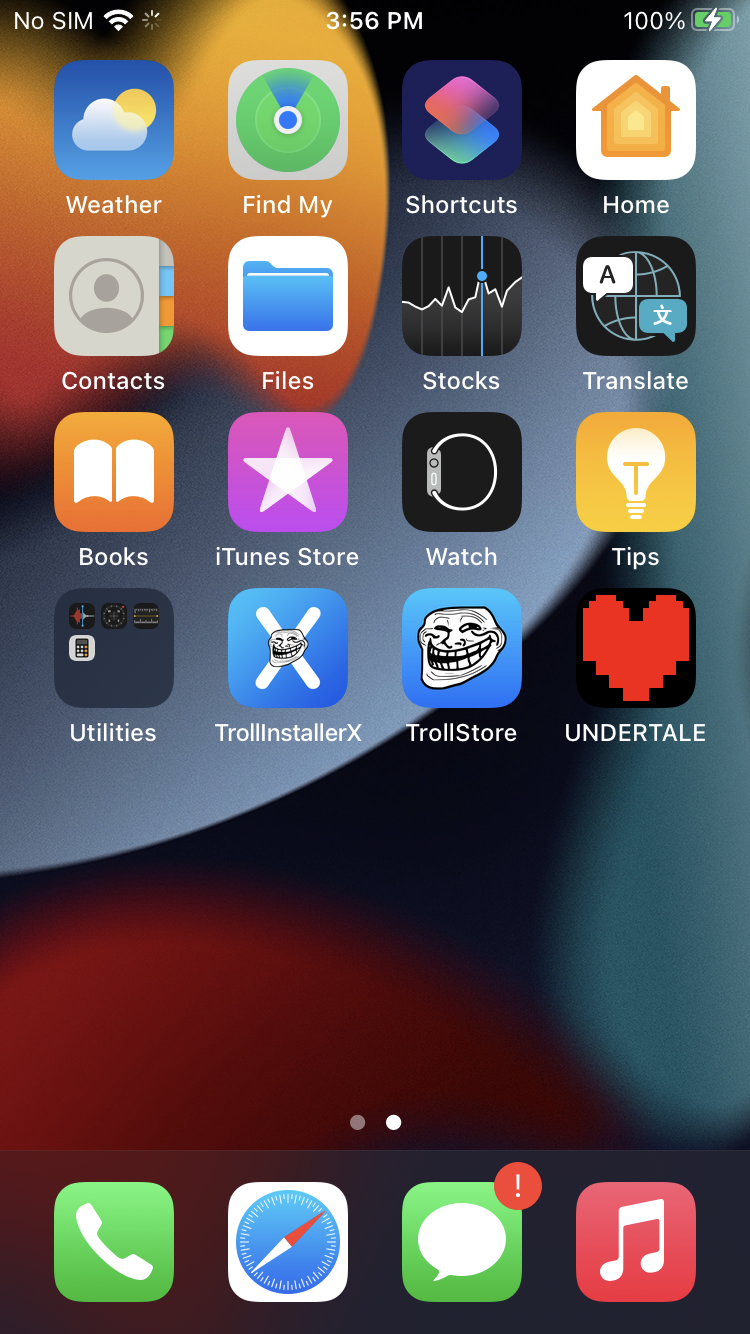
Double congratulations! You can now play Undertale on your iPhone.